
Learn / For partners · 1 min read
A crew's first week
Phones, the head strap and the first videos.
The short answer
Colby ships phones that are already set up, with head straps and battery packs. Each recorder makes an account in the recording app, puts the phone on the strap and tips it down at both hands. The first videos show what to fix.
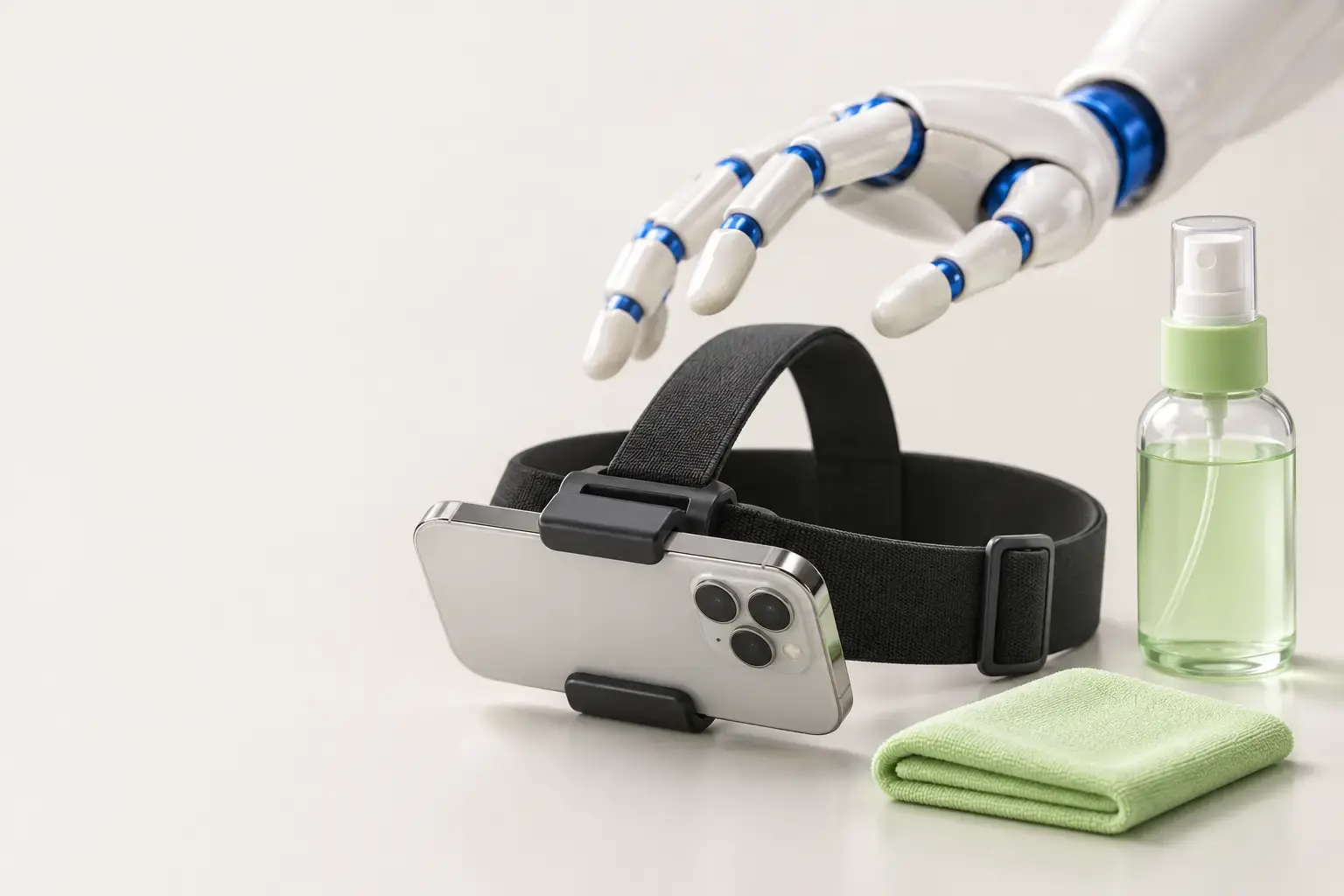
What arrives
- An iPhone, already set up by Colby.
- A head strap with a phone clip.
- A battery pack and a charging cable.
- The camera kit guide Eight steps with pictures, in English and Spanish.
Setting up
- Each recorder makes an account in the recording app with a personal email and the company's invite code.
- Set the phone in the clip sideways, with the cameras facing down.
- Wear the strap like a headband, with the phone at the top of the forehead.
- Tip the phone down until both hands are in the middle of the picture.
- Record 10 seconds and watch it. Hands cut off? Tip it down. Only the floor? Tip it up.
Before every shift
- Phone charged.
- Battery pack charged.
- Lens clean.
- Strap snug.
- Lights on.
- Hands in the picture.
What to keep out
- Other people.
- Screens and papers.
- Restrooms with anyone inside.
- Any place the crew was asked to skip.
- Crew sheet The same rules on one page, to tape up where the crew starts the day.
After each shift
Connect to Wi-Fi and upload. Keep the app open until it finishes.
If a video gets feedback, fix it before recording more. A strap that slips and hands out of view are the usual first notes.
How you can help
Ask the owner how the first shifts went. In Companies you can see the hours each company's crews recorded and the hours Colby accepted.