
Learn / For business owners · 1 min read
Your first two weeks
From signing up to your first review, step by step.
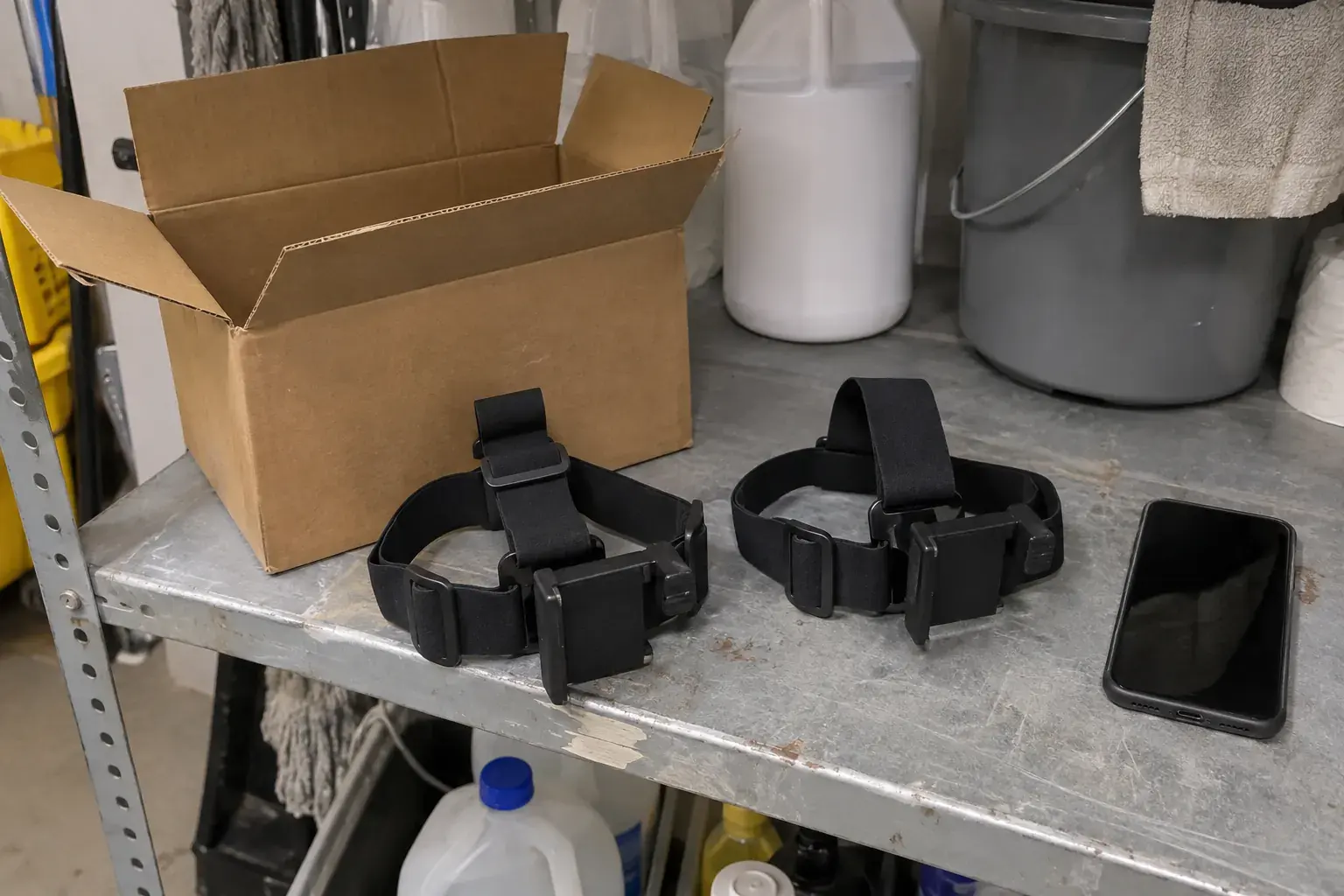
You sign the agreement online, pick a start date and do a setup call with our team. We ship headbands at no charge. Your crew records, and our team reviews the video within 24 to 48 hours.
- 1Sign upTell us about your company at colby.ing.
- 2Sign the agreementSign online, then pick your start date.
- 3Setup callOur team sets up the recording app with you.
- 4Headbands arriveWe ship them at no charge.
- 5First recordingsRecord, upload and get feedback in 24 to 48 hours.
Step one: sign and schedule
- Sign up at colby.ing, or go straight to colby.ing/onboard. You give us your state and a U.S. phone number.
- Sign the standard agreement online through DocuSign. You sign first, then Colby signs.
- Pick a start date that fits your crew's schedule.
Before anyone records: setup call and headbands
- Join a setup call with our team. We set up the recording app on each phone before anyone records.
- Check each phone is on our approved list, such as an iPhone 12 through 15 or a Pixel 8.
- Watch for the headbands. We ship them from our own stock at no charge to you.
First night: the checklist
Before the first shift, run through this list with each cleaner. It takes a few minutes at the start of the night.
- Everyone who will be in the video has agreed to be recorded at work.
- Phone charged, lens clean and enough free storage.
- Mount snug, phone above the eyes, angled down.
- Your own hands show on the screen, and there is enough light.
- No private areas or personal papers in view.
After the first shift: review and fixes
Upload after the shift. Our team checks the video within 24 to 48 hours. That window is not a pay date.
If you get feedback, fix it before you record more. A mount that slips or hands out of frame are common first-week notes. If an upload fails, save the error and call us at (480) 542-7526.
What other owners ask
Can my crew record before the setup call?
No. The recording app is set up on the call, before any recording starts.
What if the mount slips during a shift?
Pause, adjust it and check the view again. Then keep going.
What if someone records a private area by mistake?
Tell our team. We explain what to avoid and what to do if it happens.